
Ask for what you want
Anela AI does what you ask. The clearer the ask, the better the result. A few habits make most of the difference.
Say what, where, and how
Section titled “Say what, where, and how”A good request names the thing, the place and the look:
Add a “Book a table” button to the top of the home page, dark green, that opens the booking page.
A vague one leaves Anela AI guessing:
Make it better.
If you know what “better” means, say it. If you do not, ask for two or three options and pick one.
One change per message
Section titled “One change per message”Send one change, look at the result, then send the next. Three changes in one message often get two of them right and one wrong, and then it is hard to say which. Small steps are faster in the end.
Describe what you see
Section titled “Describe what you see”When something is wrong, describe it the way you would to a colleague looking over your shoulder:
On the Pricing page the middle plan shows zero instead of the real price, and the button under it does nothing.
Say what you expected instead. Frustration is understandable, but “this is broken again” gives Anela AI nothing to work with.
Attach a picture
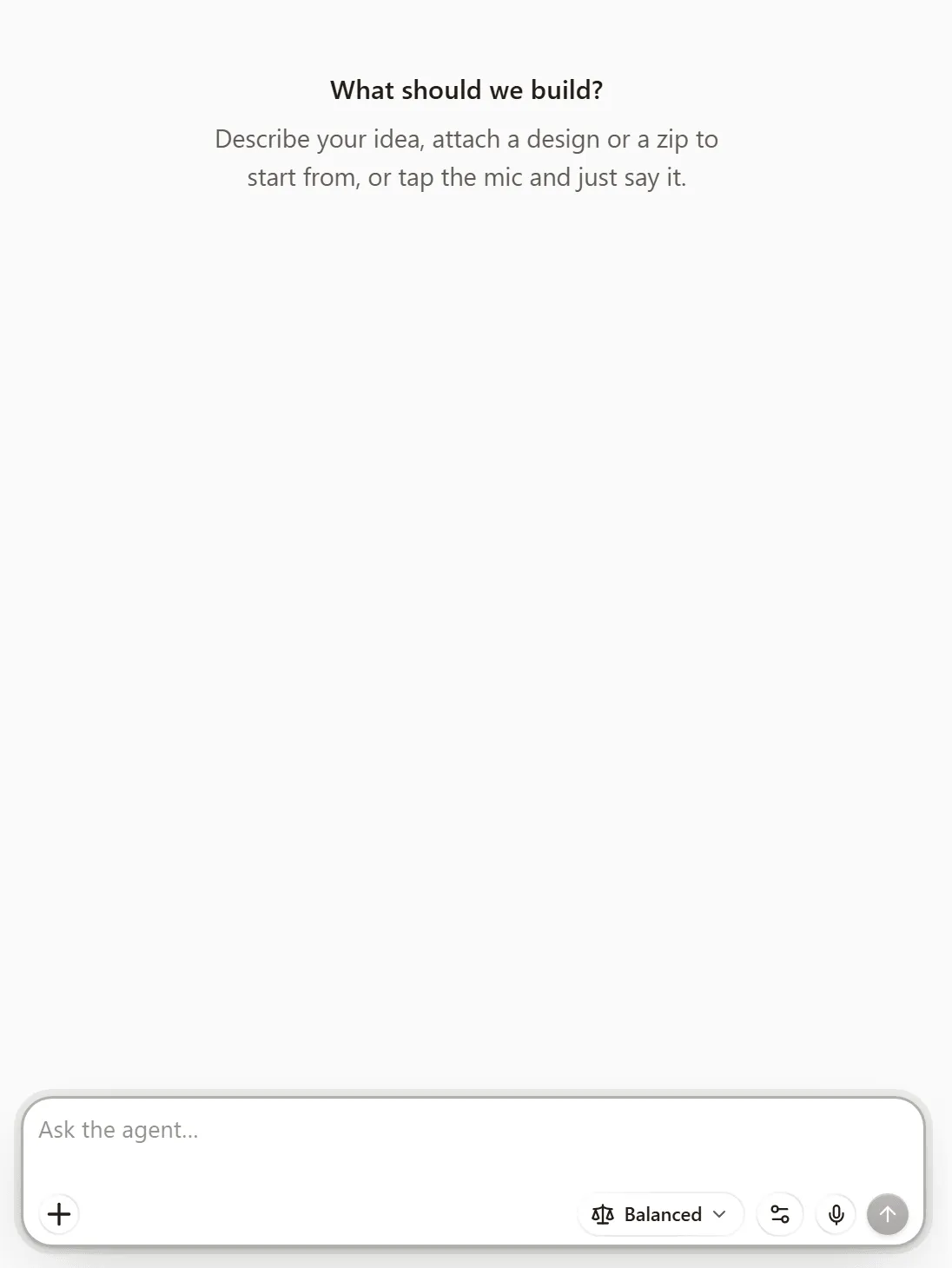
Section titled “Attach a picture”The plus button at the bottom of the chat box attaches files: images, PDFs, Word and Excel files, CSV, text, Markdown, JSON and zips, up to ten per message. A screenshot of the problem, or of a site you like the look of, is worth a paragraph. Anela AI can also look at any page of a PDF you attach, such as the last page of a long contract or a scanned receipt.
One catch: some AI models cannot look at images. If the model behind your mode is one of those, Anela AI is told a picture is there but cannot read it, so it says so instead of guessing. Pick a mode whose model accepts images, or describe the picture in words. How building with AI works explains the modes.
Ask for pictures or a video
Section titled “Ask for pictures or a video”Anela AI can make new pictures for your site, and short videos too. Ask in the chat the way you would ask a photographer:
Make a warm photo of fresh bread on a wooden table for the top of the home page.
Make a short video of steam rising from a cup of coffee for the menu page.
Pictures and videos use credits like any other work. A video uses more than a picture and takes a few minutes to make. If you have your own photos, attach them instead and say where they go.
Without an account you can try a few pictures. Videos need a free account.
Use the suggestion chips
Section titled “Use the suggestion chips”Under the chat box, a row of chips suggests sensible next steps for your site. Click one to send it. The refresh arrow at the end of the row gives you new ones.
Say it out loud
Section titled “Say it out loud”Tap the microphone in the chat box and talk. While it listens, a bar in the box shows that it hears you, and each time you pause your words appear. Keep talking and the next words follow. Tap the microphone again to stop, check the words, and send. If you press send while it is still writing your last words, they go with the message. Dictation is free, up to 3 hours a day per account, in any recent browser.
Big changes: plan first
Section titled “Big changes: plan first”For a new section, a redesign or anything that touches your data, ask for a plan first. Anela AI proposes what it will do, you approve or correct it, and only then does it build. Build, or Plan first.
When it misunderstands
Section titled “When it misunderstands”Say what went wrong and what you wanted. If a change went badly, restore the version from before it and rephrase. Checkpoints and restore. While a build is running you can also send a correction straight into it. While it builds.
Verified against the product on 2026-10-08.