
How building with AI works
Knowing how Anela AI works makes it far easier to work with. Here is what happens between your message and the result.
One message, one turn
Section titled “One message, one turn”When you send a message, Anela AI starts a turn. It reads what you asked, looks at your project, decides what to change, edits the files, runs the site and checks the result. Then it hands back with a short note of what it did. A small change takes seconds. A whole new site, or a big feature, can take many minutes.
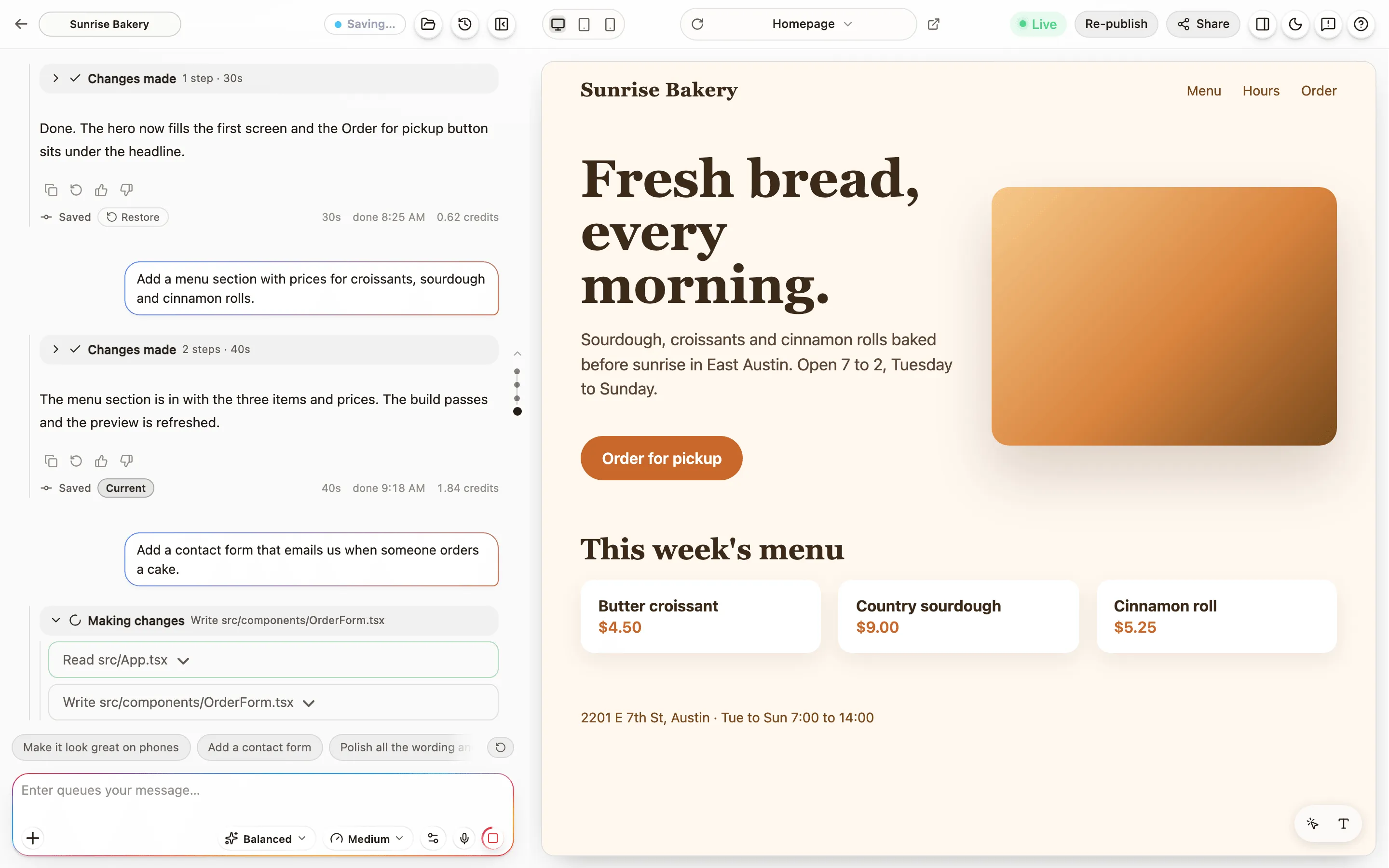
The Building card in the chat shows the turn’s progress: how long it has run, what Anela AI is doing, and how long it has been thinking.
Why it goes quiet
Section titled “Why it goes quiet”Inside a turn Anela AI calls an AI model, and a single call can take a minute or more with nothing visible happening. That is the model thinking, not a problem. The card says “Thinking for” and counts.
If Anela AI stays silent far longer than that, Anela stops the turn on its own and tells you. The work it finished is kept. Anela AI stopped or went quiet says what to do next.
Under the chat box, the first pill is the mode. A mode is a model with a default effort, chosen and named by Anela, so you never have to compare model names: Economy, Balanced, Power and Ultra Power. Higher modes think harder and cost more per message.
Which modes you can pick depends on your plan. Free and Lite include Economy. Pro adds Balanced and Power. Max includes every mode and, under All models, a longer list to pick one specific model from. The picker shows which plan a mode needs.
A project runs its plan’s default mode until you pick another one on that project, and the pick stays with the project. If you move to a plan that no longer includes the mode you picked, the project moves to the strongest mode the new plan has, and the chat says so once.
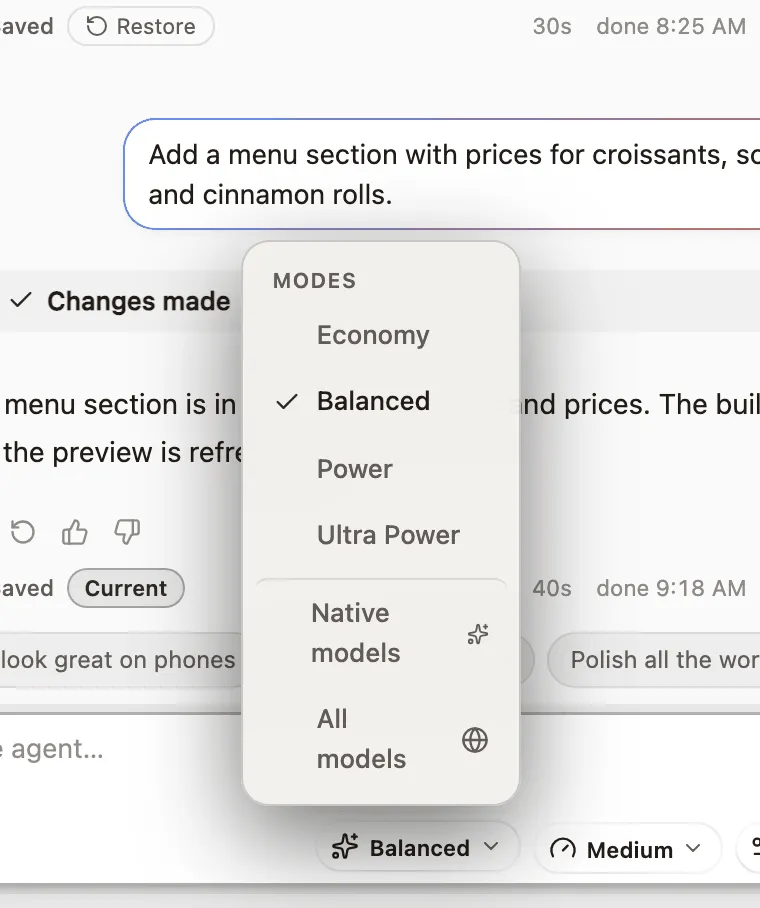
Some models cannot look at images. If yours is one of them, Anela AI is told a photo you attach is there but cannot read it, so it says so instead of guessing. Pick a mode whose model accepts images, or describe the picture in words.
Effort
Section titled “Effort”The second pill is the effort: Low, Medium or High. It asks the model to think longer before it answers. Higher effort can cost more, and it helps most with tricky requests: a bug that keeps coming back, a redesign, a feature with many parts. For a quick wording change, low is plenty. Not every model changes how it works with the effort, so if you notice no difference, that is why.
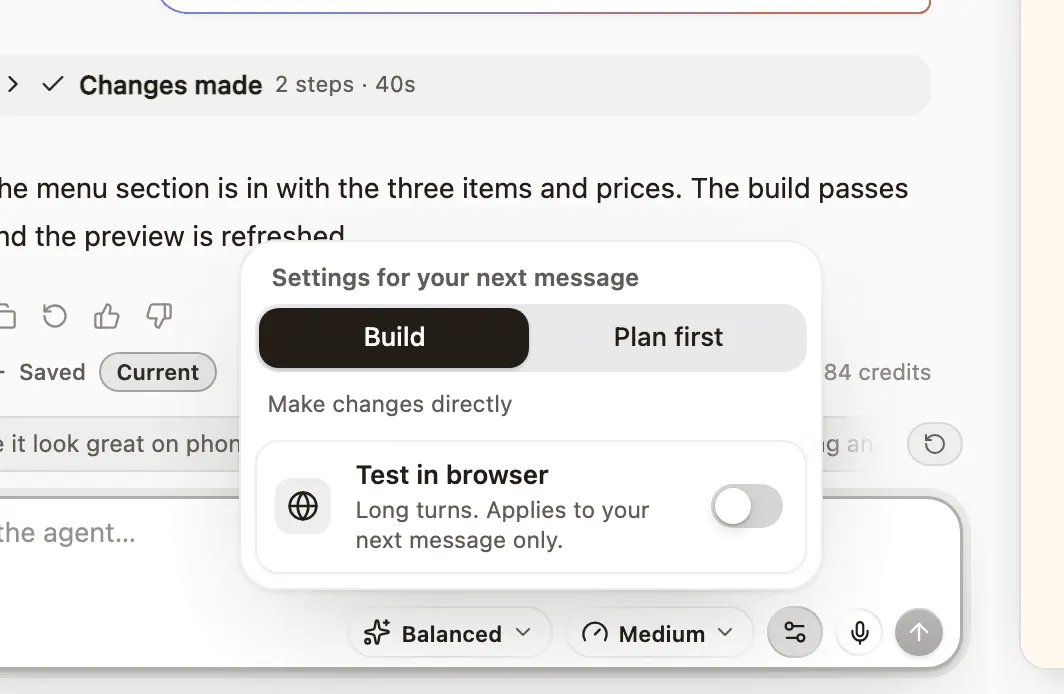
For anything big, ask for a plan first. Anela AI proposes what it will do, you approve or change it, and only then does it build. Build, or Plan first.
When Anela AI stops early
Section titled “When Anela AI stops early”Sometimes Anela AI needs another attempt to finish your request. Anela can continue the work automatically, within the same build. Internal recovery instructions stay out of chat. You see an error if the work cannot continue. The final receipt includes charged work. An automatic repair that Anela starts for an error in your site is charged like any build, at most one after each message you send.
Every turn saves a version
Section titled “Every turn saves a version”Every build saves a version of your project. If a change goes wrong, open Versions in the header and restore the one from before. Checkpoints and restore.
Why results vary
Section titled “Why results vary”The same request can come out differently twice. That is how these models work. Two habits help most: describe what you see when something is wrong rather than repeating the request, and keep each message to one change. Ask for what you want.
Verified against the product on 2026-09-24.