
Get help
There are four places to turn, and each is good at something different.
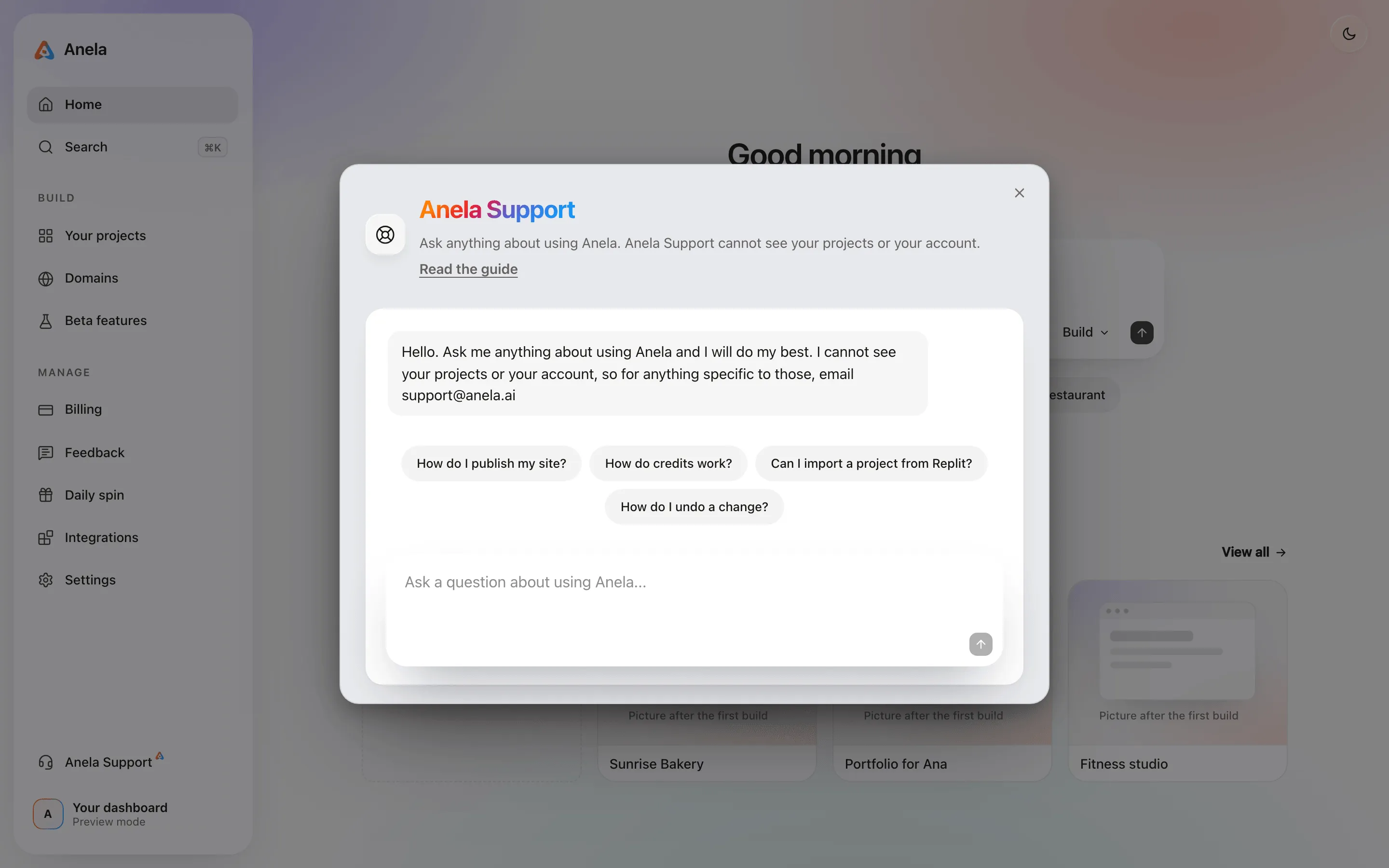
Anela Support
Section titled “Anela Support”Press the ? button in the editor header, or Cmd+/ (Ctrl+/ on Windows). On the dashboard, Anela Support in the rail opens the same sheet. It answers questions about using Anela: how a feature works, where a button is, what a message means, what a plan includes. Ask in English or Spanish.
It cannot see your projects, your files, your billing or anything you have built. That is deliberate, so it can never leak them. If a question needs your actual account, it will say so and point you to Report.
Report a problem
Section titled “Report a problem”Press Report in the editor header. Choose Something broke, An idea or Feedback, describe it, and if you like, attach a snapshot of the preview and the build logs. You can follow what happened under Feedback on the dashboard rail, where each report shows its status and any notes from us. This is the way to reach a person about your own account or project. If you change your mind, open the report there and choose Delete this report: pick a reason, and it leaves your list. The screenshot and logs we captured are erased, and we keep only the title and your reason.
The status page
Section titled “The status page”status.anela.ai shows whether Anela itself is having trouble right now. If building or publishing fails for everyone, it says so there first.
This guide
Section titled “This guide”Search at the top finds a page for most questions. If something on a page does not match what you see in the product, that is worth a report too.
For your own site, ask Anela AI
Section titled “For your own site, ask Anela AI”Anything about your site itself, from “make the header blue” to “why does the form not send”, goes to Anela AI in your project’s chat. It is the one with your code in front of it. Ask for what you want.
Verified against the product on 2026-09-15.